How to time a whole dinner with several timers at once
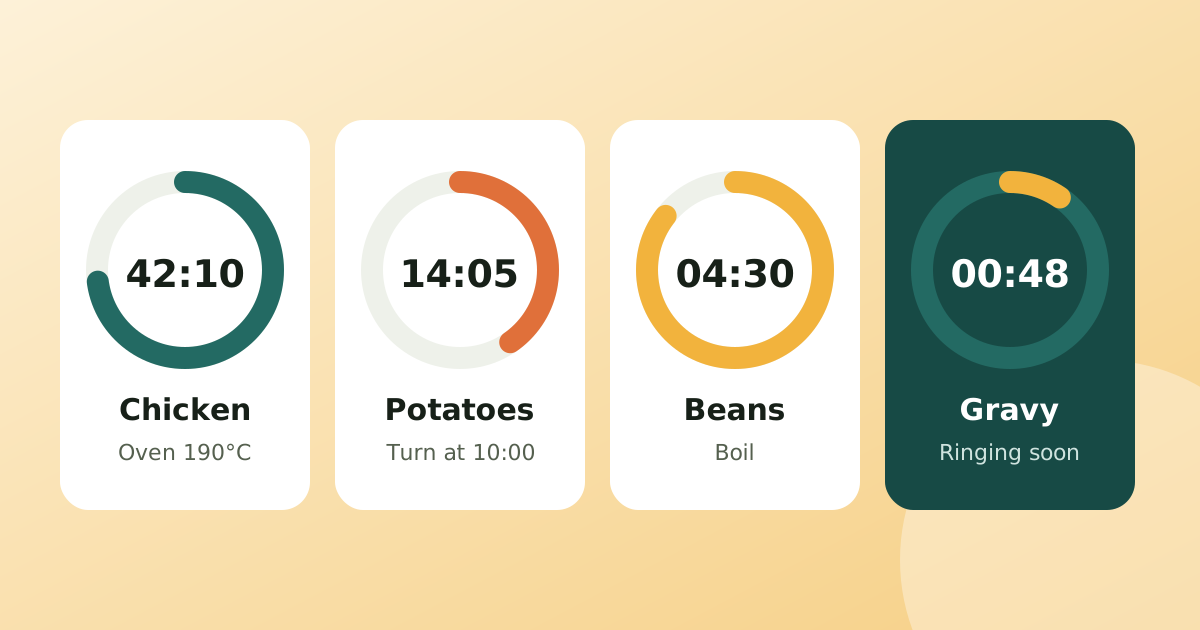
A roast, two sides and a sauce all finish at different times. Working backwards from serving time and giving each step its own timer keeps everything hot together.
Read article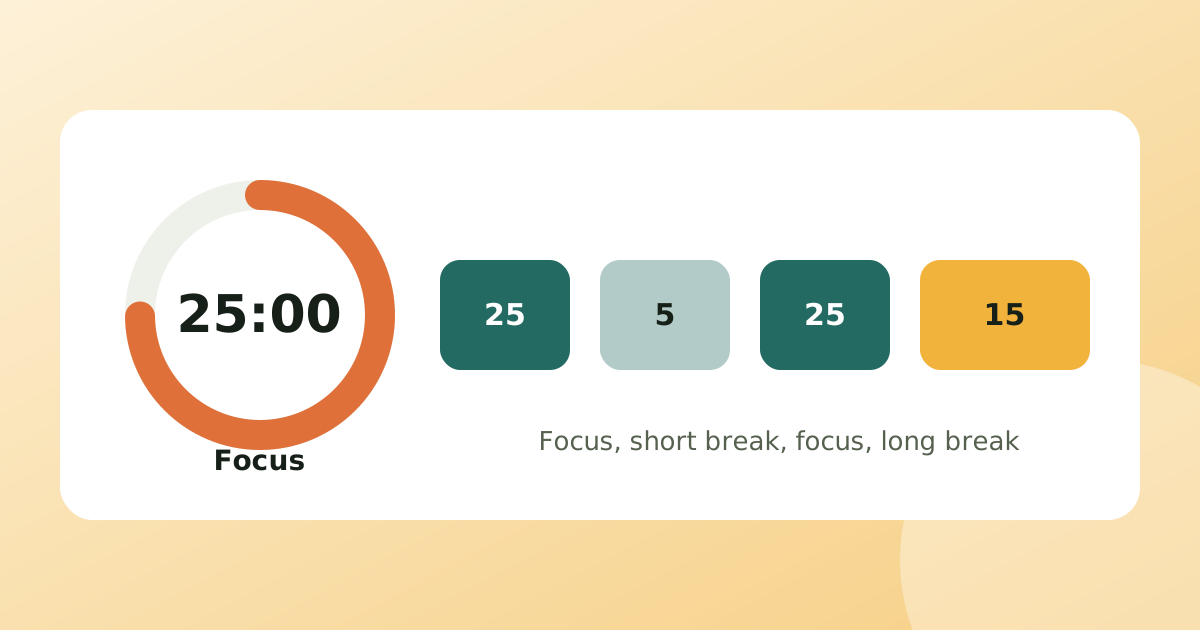
The Pomodoro technique splits work into 25-minute focus blocks separated by 5-minute breaks, with a longer break after every fourth block. You set a Pomodoro timer, work on one task until it rings, then rest. The 25/5 rhythm is a starting point: below you will find the steps, a table of common variations, who each one suits and the mistakes that make the method fail.
The name comes from the tomato-shaped kitchen timer the method's creator used as a student. The idea is simple on purpose: a visible deadline makes starting easier and a guaranteed break makes stopping easier.
| Setup | Focus | Break | Good for |
|---|---|---|---|
| Classic | 25 min | 5 min | Most tasks, learning the habit |
| Short start | 15 min | 3 min | Tasks you keep putting off |
| Deep work | 50 min | 10 min | Writing, coding, problem sets |
| Long focus | 90 min | 20 min | Creative work once you can hold attention |
Start with the classic one for a week. If you keep breaking the block early because you are only just getting going when it rings, lengthen it. If you drift off before it ends, shorten it. The right length is the one you actually finish.
Focus blocks often sit beside other clocks: a pasta timer while you study, a washing-machine reminder, a stretch break. That is where a separate Pomodoro timer on the same screen as your other countdowns helps. Our guide to timing a whole dinner with several timers uses the same idea in the kitchen, and the timers and focus category collects more.
MultiTimer includes a Pomodoro timer where you set your own work and break lengths and it switches between them automatically, alongside as many countdowns and stopwatches as you need. Alarms are exact, so they ring even when the phone is asleep, and there are no ads or account. Pro adds focus stats (today, the last 7 days, a weekly chart and a day streak) if you want to see your blocks add up.
A classic Pomodoro is 25 minutes of focused work followed by a 5-minute break. After four Pomodoros you take a longer break of 15 to 30 minutes.
Yes. The 25/5 split is a starting point, not a rule. Many people use 50/10 for deep work or 15/3 when starting a task they dread. Pick lengths you can actually keep.
Note the interruption, deal with it after the block if you can, and carry on. If the interruption is real and long, pause or restart the block rather than counting it as a full one.
No, any timer works. An app helps because it switches between work and break automatically and can keep other timers running beside it.
A roast, two sides and a sauce all finish at different times. Working backwards from serving time and giving each step its own timer keeps everything hot together.
Read articleAn expired passport is not found out at home, it is found out at the airport. Here is when to renew each document and how to get a reminder long before it matters.
Read articleThe breaker protects the cable, not the other way round. Pick a breaker at or above the load but never above what the cable can carry.
Read articlePublished: . More in Timers & focus or all articles.