HIIT and Tabata timer: how to set the work and rest intervals
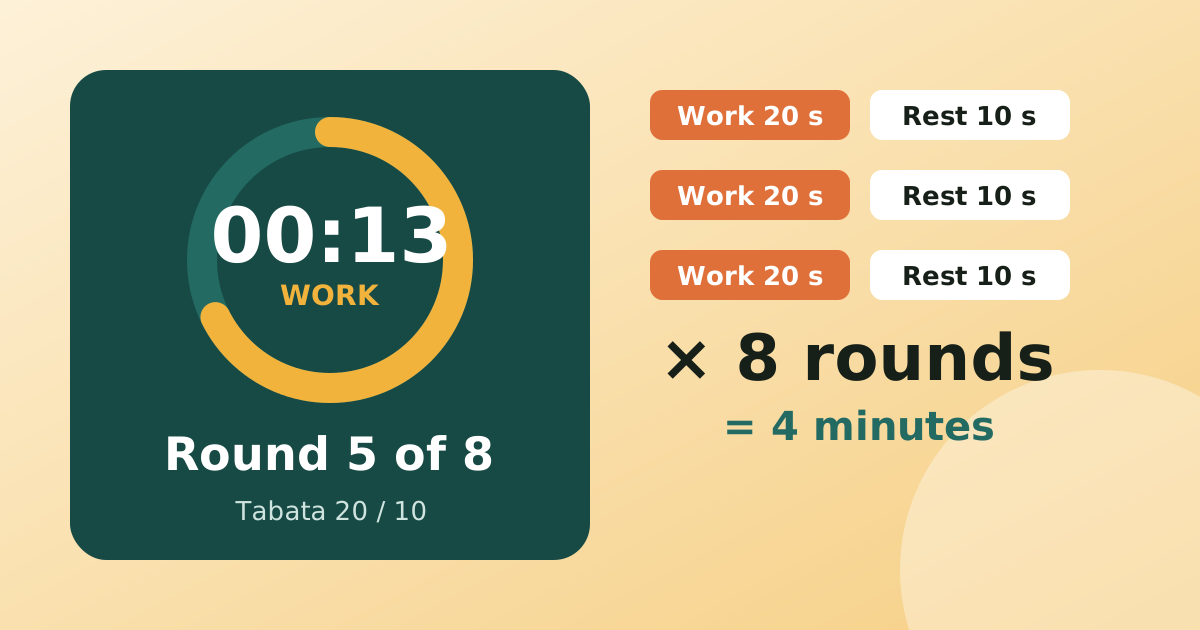
Tabata is 20 seconds on, 10 off, eight times: four minutes in all. Other HIIT formats use longer work blocks and equal or longer rest.
Read article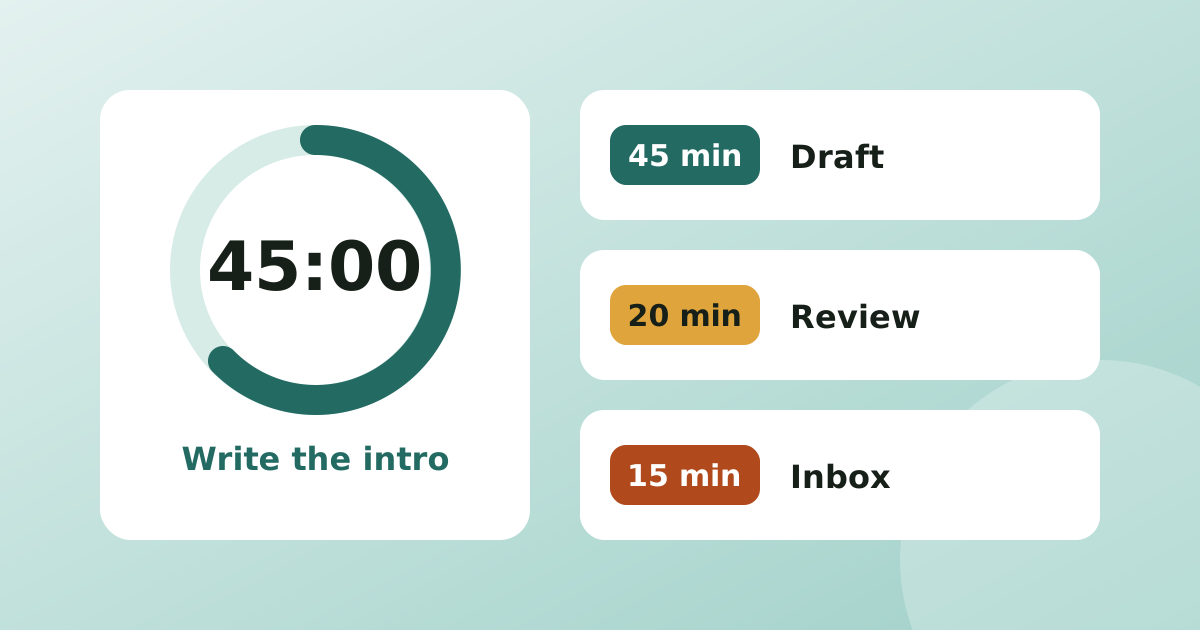
Timeboxing means giving a task a fixed block of time in advance, starting a countdown timer, and stopping or reviewing when it rings. Instead of working until a task feels done, you decide how much time it deserves and fit the work into that box. It works because the deadline is real and visible, which stops small jobs swelling and makes big ones easier to start.
Work expands to fill the time available. An open-ended email reply can take ten minutes or an hour, and without a limit you will not notice which. A box also makes starting easier: "twenty minutes on the tax forms" feels smaller than "do the tax forms".
| Type of task | Suggested box |
|---|---|
| Dreaded or tiny jobs, admin | 15 to 25 minutes |
| Email and messages | 15 to 30 minutes, once or twice a day |
| Focused writing, coding, studying | 45 to 90 minutes |
| Meetings and calls | Fixed by the agenda, with a countdown for each item |
| Open-ended thinking | 25 to 45 minutes, then review what you have |
If you are unsure, start shorter than you think. You can always book a second box.
Pomodoro is a special case: always 25 minutes of work and 5 of rest. Timeboxing lets the length follow the task, so a 15-minute inbox box and a 60-minute writing box can sit in the same day. If you like fixed rhythms, see our guide to setting up a Pomodoro timer. If you prefer to match time to task, timeboxing is more flexible.
Real days overlap: a 45-minute writing box, a 10-minute check on the washing and a 5-minute reminder to call someone. Several countdowns on one screen means you do not have to remember any of them. The same idea in the kitchen is in how to time a whole dinner with several timers, and the timers and focus category has more.
MultiTimer runs as many countdowns, stopwatches and Pomodoro timers as you need on one screen. Alarms are exact, so they ring even when the phone is asleep, and there are no ads or account. Name each timer after the task so you know which box just ended.
Timeboxing means giving a task a fixed amount of time in advance and stopping, or reviewing, when that time is up. The time is the constraint and the work shrinks or is scoped to fit it, instead of the work deciding how long it takes.
Between 25 and 90 minutes for focused work. Use 15 to 25 minutes for small or dreaded tasks, and no more than 90 minutes, because attention fades. Choose a length you can finish with a short break afterwards.
Pomodoro uses a fixed 25-minute work block and a 5-minute break. Timeboxing lets you set the length per task, such as 15 minutes for email or 60 minutes for a report. Both rely on a timer that ends the block.
Stop and decide on purpose: either book another box, shrink the task, or accept the result as good enough. Silently extending the box defeats the point, so make any extension a conscious choice.
Tabata is 20 seconds on, 10 off, eight times: four minutes in all. Other HIIT formats use longer work blocks and equal or longer rest.
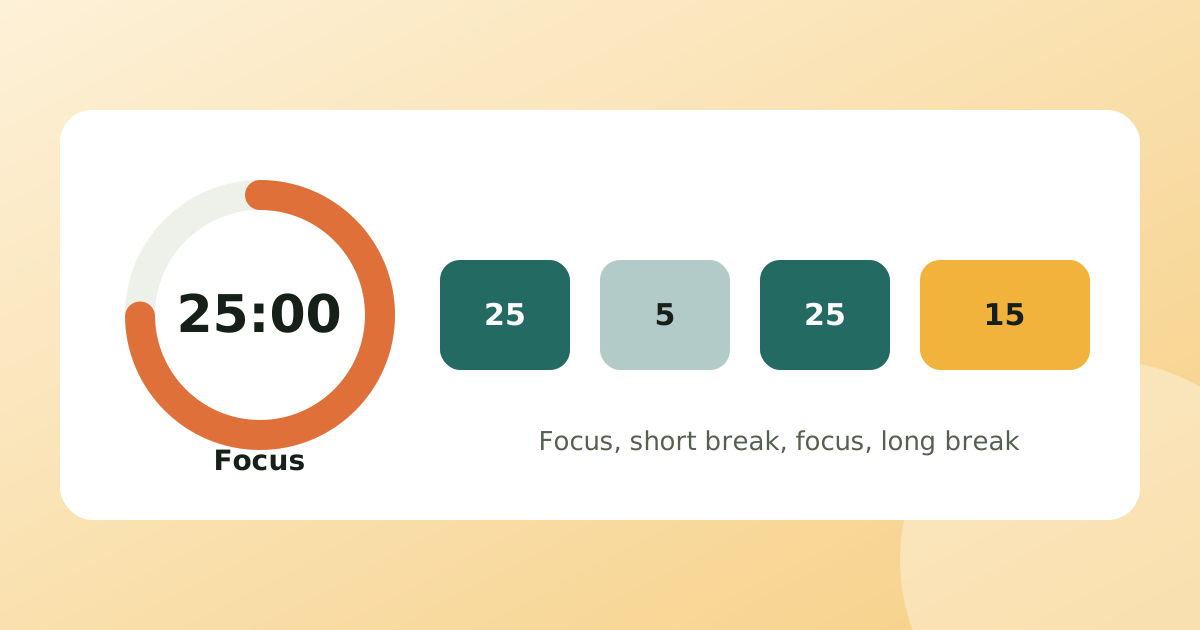
Read articleTwenty-five minutes on, five off, a longer break every fourth round. The classic Pomodoro setup works for many people, and it is easy to tune when it does not.
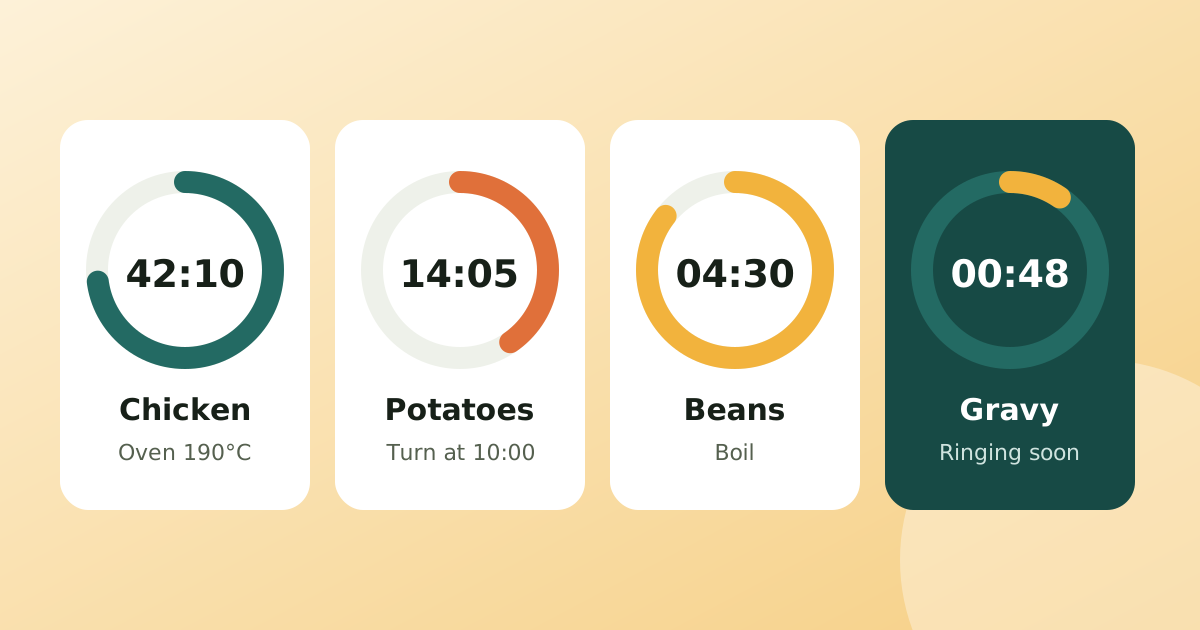
Read articleA roast, two sides and a sauce all finish at different times. Working backwards from serving time and giving each step its own timer keeps everything hot together.
Read articlePublished: . More in Timers & focus or all articles.